 AcademyLv 1 · 0AcademyLv 1 · 0
What happens when you load a page
12 min · up to 60 XP
The 300-millisecond journey from typing a URL to seeing a website.
Sam is three prompts into building her first website, a birthday invite for her sister, when her AI pair asks: "Do you want the RSVP handled in the browser, or on the server?"
Browser? Server? Sam has used the web every day of her adult life and can't answer. Her first question back is the right one, try it yourself.
Predict the response
Sam asks the AI something she's quietly wondered for years: pages clearly come from somewhere, but where does a website actually LIVE when nobody's looking at it? Before the answer arrives, what do you think it says?
Where does a website actually live?
What do you think the AI will do?
Watch it happen
So how does a copy get from that folder to Sam's screen? Every page ever loaded is this same dance, about 300 milliseconds, start to finish. Step through it.
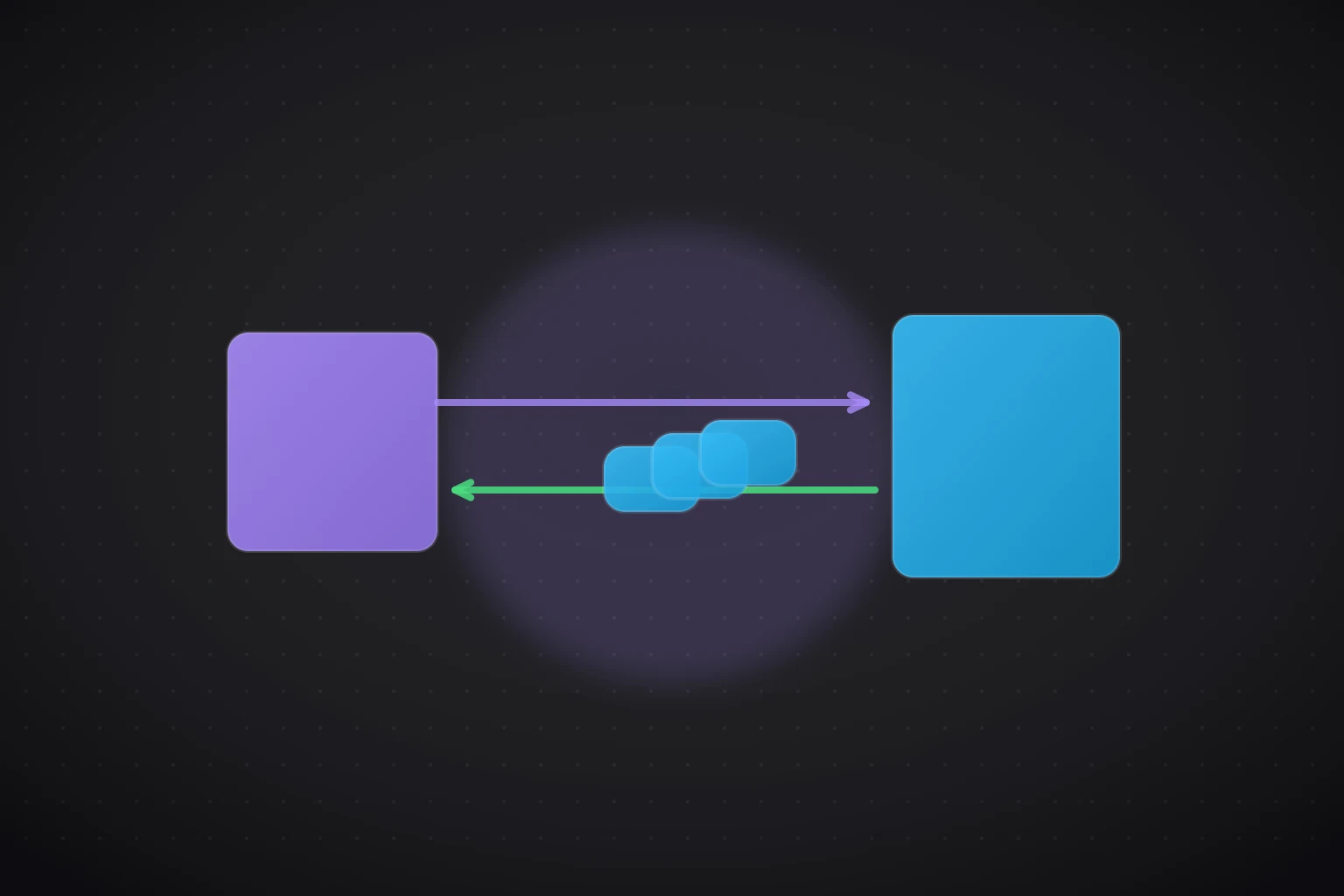
Sam types sisterparty.com. That address names one particular computer, and her browser prepares a tiny message for it.
Two characters, two jobs. A server is not a mystical thing, it's a computer, often a very ordinary one in a warehouse, whose whole job is to wait for requests and hand out answers. It replies with files: some HTML, some CSS, some JavaScript.
The browser (Chrome, Safari, Firefox) does the other half: it reads those files and builds what you see, right on your machine. And those files are just text. Readable, ordinary text, performed live like an orchestra playing a score.
Check your intuition
Sam's AI keeps mentioning "the server". What is a server, really?
On any website, right-click anywhere and choose "Inspect". A panel opens showing the actual text your browser received, the HTML of the page, live. Hover over lines and watch parts of the page light up. Completely safe: you're looking at your browser's copy, so you can't break the real site. Refreshing puts everything back.
Watch it play out
Back to Sam's RSVP question. Watch how knowing the two sides of the journey lets her ask her AI a precise question, and get a precise answer.
For the invite page we're building, when my cousin clicks "RSVP", where does that actually happen? In her browser, or on the server?
This is the question. Naming the two sides of the journey gets Sam a real answer instead of a shrug-worthy "it just works".
When you ask an AI to "build me a website", this journey is the machine it's building parts for. Every file it generates is destined for one side or the other: code that runs in the browser, or code that runs on the server. Knowing the map is how you check where you're being driven.
Why does a beginner coding with an AI need this map? Because the most useful question in AI-era web development is now yours: "is this running in the browser, or on the server?"
Ask it when the AI proposes a feature and you'll understand the plan. Ask it when something breaks and you'll know where to look. Ask it before handling anything private, secrets belong on the server, never in files every visitor's browser can read. One map, one question. Sam will use it in every lesson from here.
Fill the gaps
Lock in the journey. Complete the story of one page load, in order:
Key takeaways